Skip to content
Copycat
← Back to home

Press kit

Copycat press kit

Everything you need to write about Copycat, the keyboard-first clipboard manager for Mac from Indie developer Kyle Turner. Launched on the Mac App Store on October 20, 2026. Mac App Store listing

Download all assets (.zip)

About Copycat

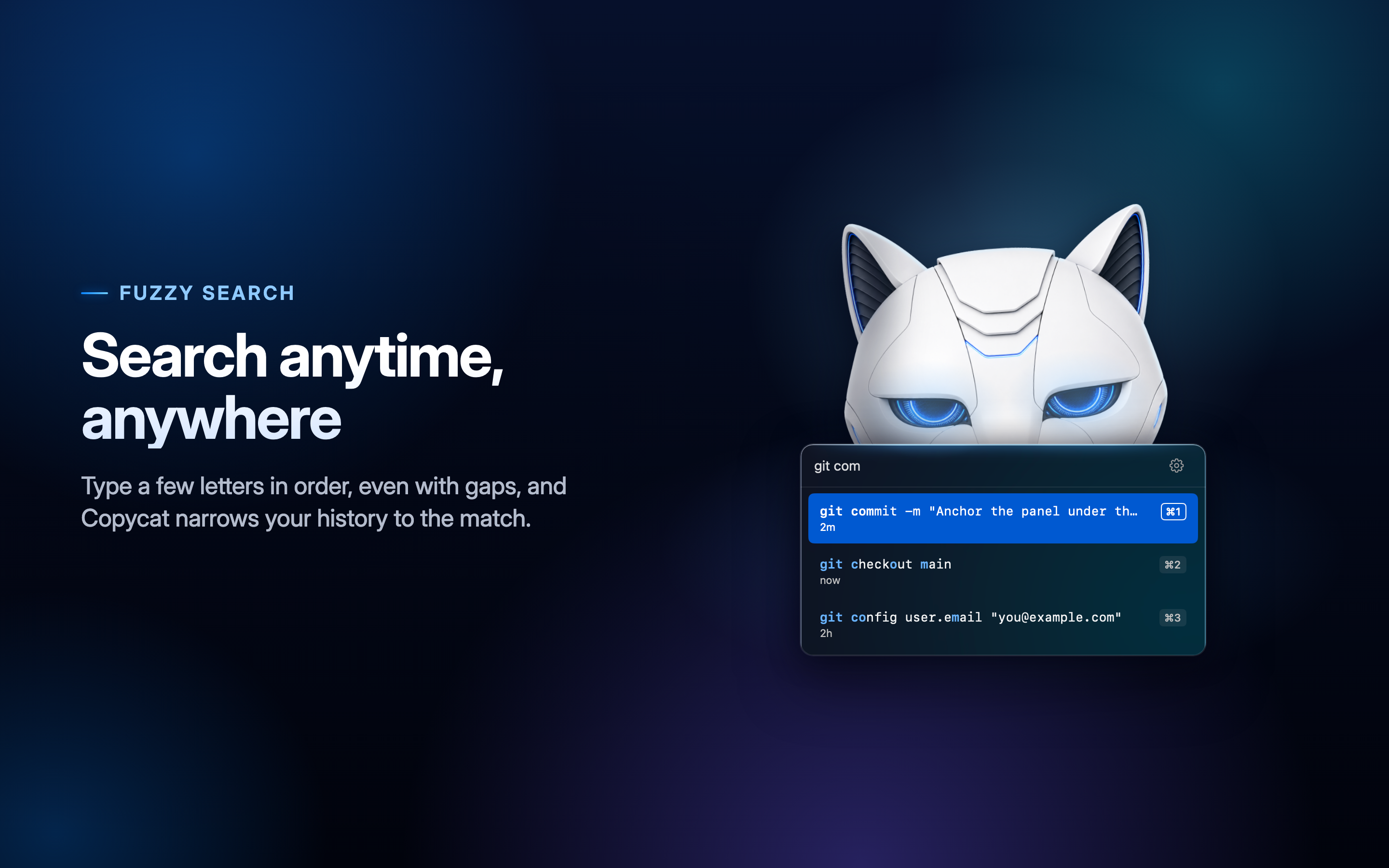
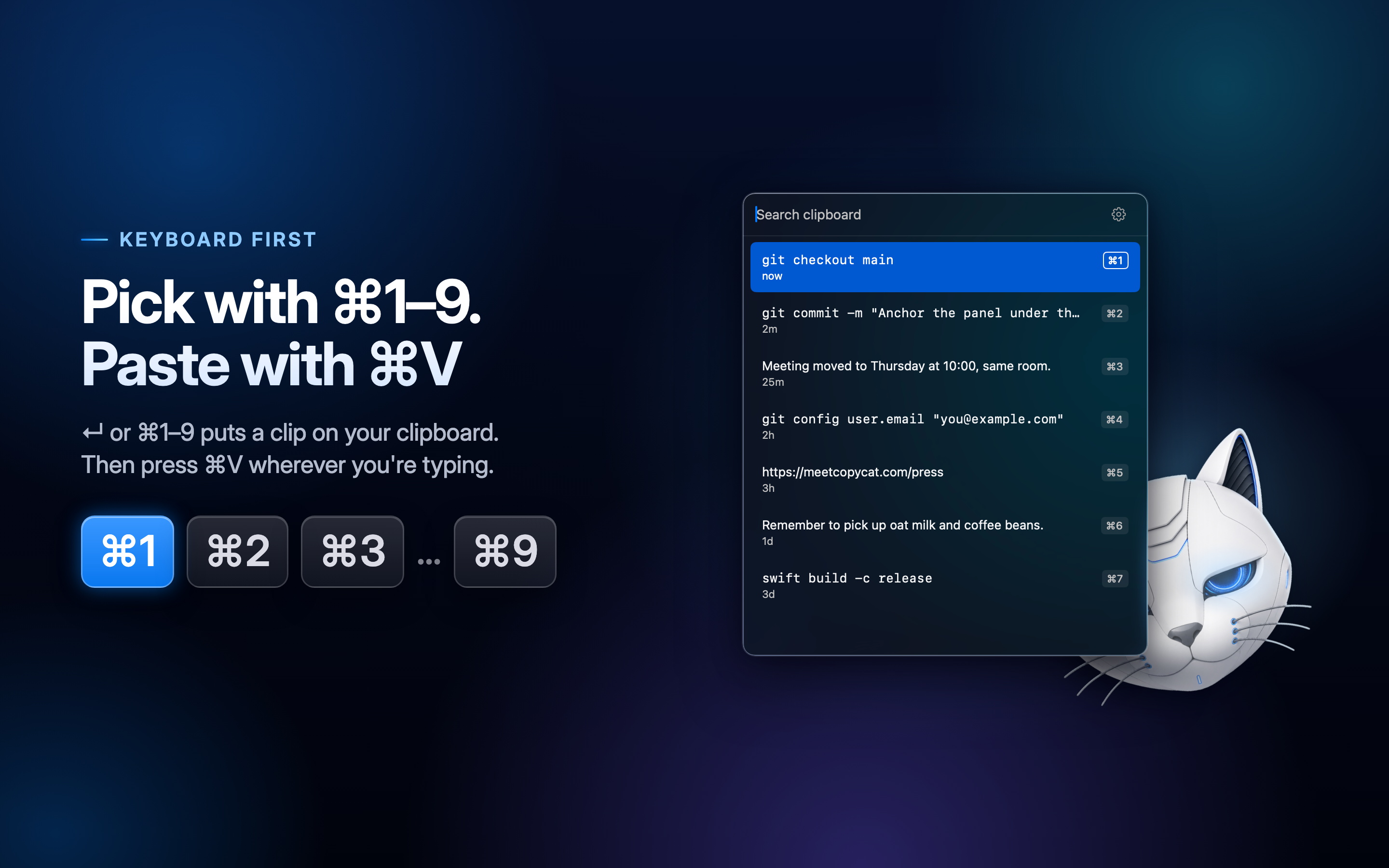
Copycat is a clipboard manager for Mac that does one thing, really well: it remembers the text you copy and hands it back from the keyboard. Press ⌘⇧Space, type a few letters to find a clip, then press Return or ⌘1–⌘9. The clip is back on your clipboard, ready for ⌘V.

It's keyboard-first, fast and private: nothing you copy ever leaves your Mac.

Fact sheet

App
Copycat, a clipboard manager for Mac
Developer
Kyle Turner, Indie developer · Solco, LLC
Launched
October 20, 2026, on the Mac App Store
Price
$3.99, one-time purchase. No subscription, no in-app purchases.
Requirements
macOS 14 Sonoma or later. Apple silicon and Intel Macs.
Languages
Seven, shipping with v2.0 at launch: English, German, French, Japanese, Spanish, Simplified Chinese and Korean.
Privacy
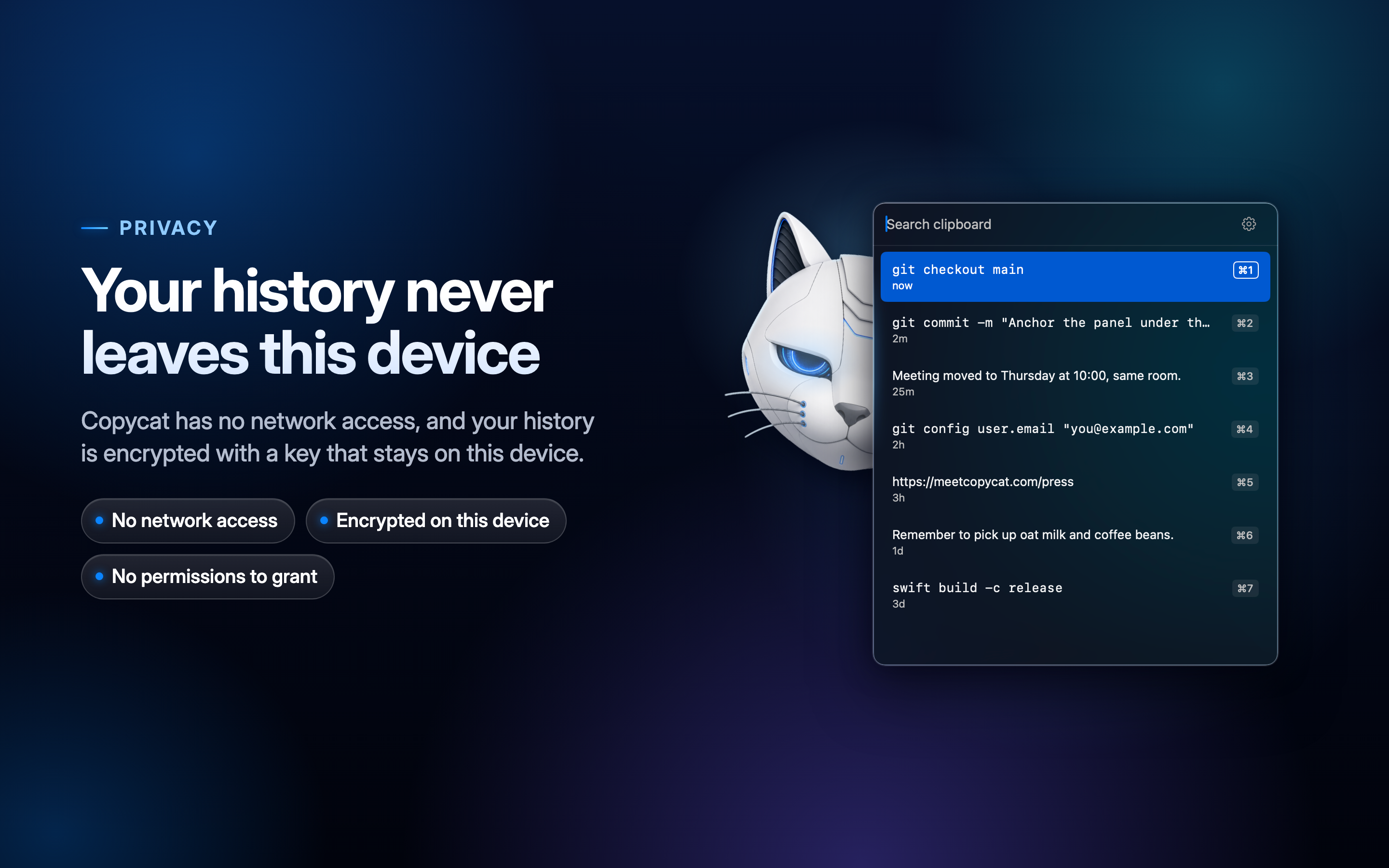
  • No network access. The app ships without the network entitlement, so it cannot connect to the internet.
  • Clipboard history is encrypted at rest with AES-GCM. The key is stored in the Keychain as device-only, so it never leaves the Mac.
  • History is excluded from backups.
  • Zero permissions. Choosing a clip copies it back to the clipboard; you press ⌘V to paste.

Assets

Full-resolution originals for coverage of Copycat. Download them one at a time, or all at once as a zip.

Key art

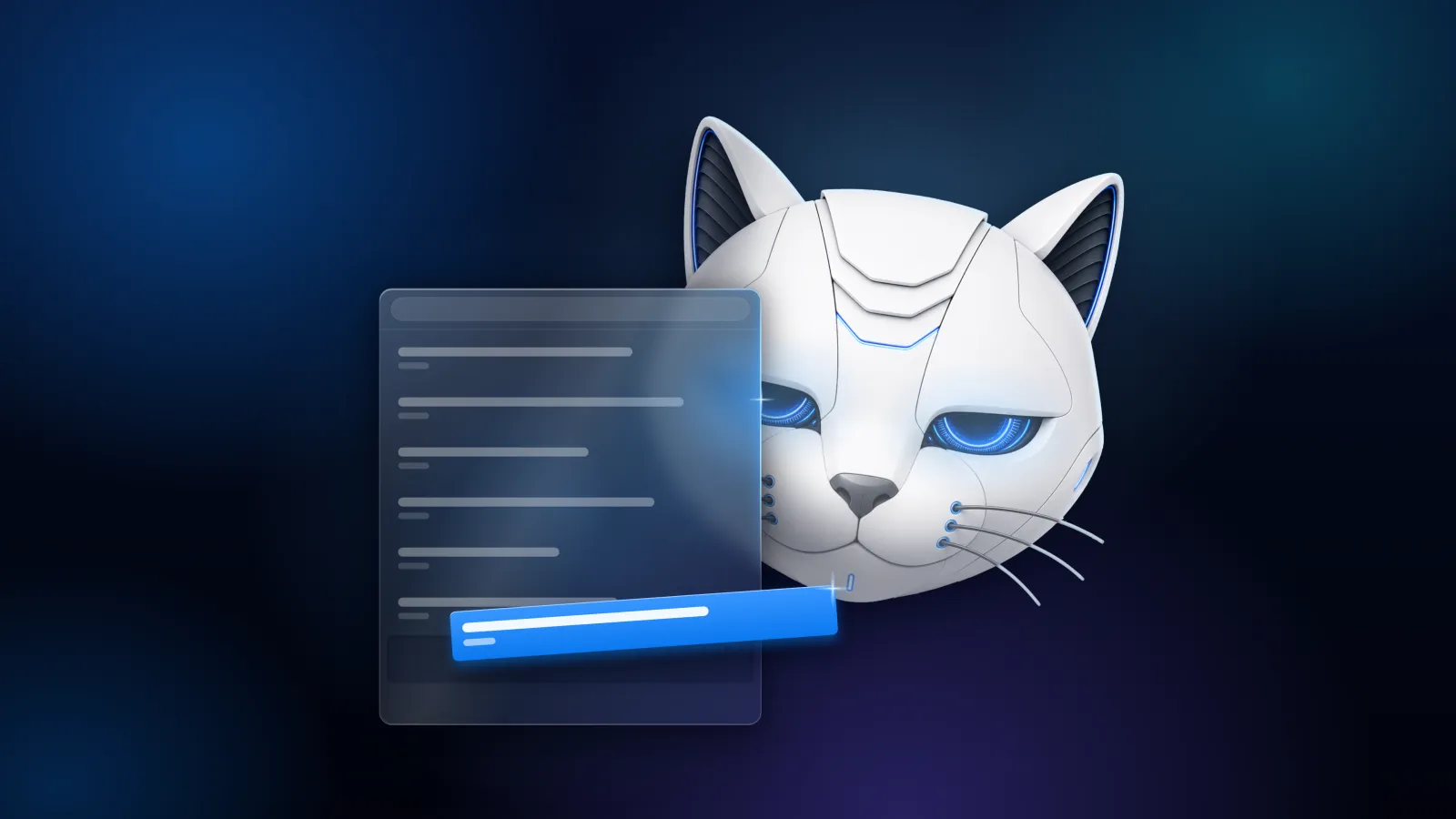
Text-free Copycat key art: the white robot-cat mascot peeking out from behind a frosted clipboard panel with a highlighted blue row, on a dark blue and violet gradient.

Key art, wide banner

PNG · 4320 × 1080

Download
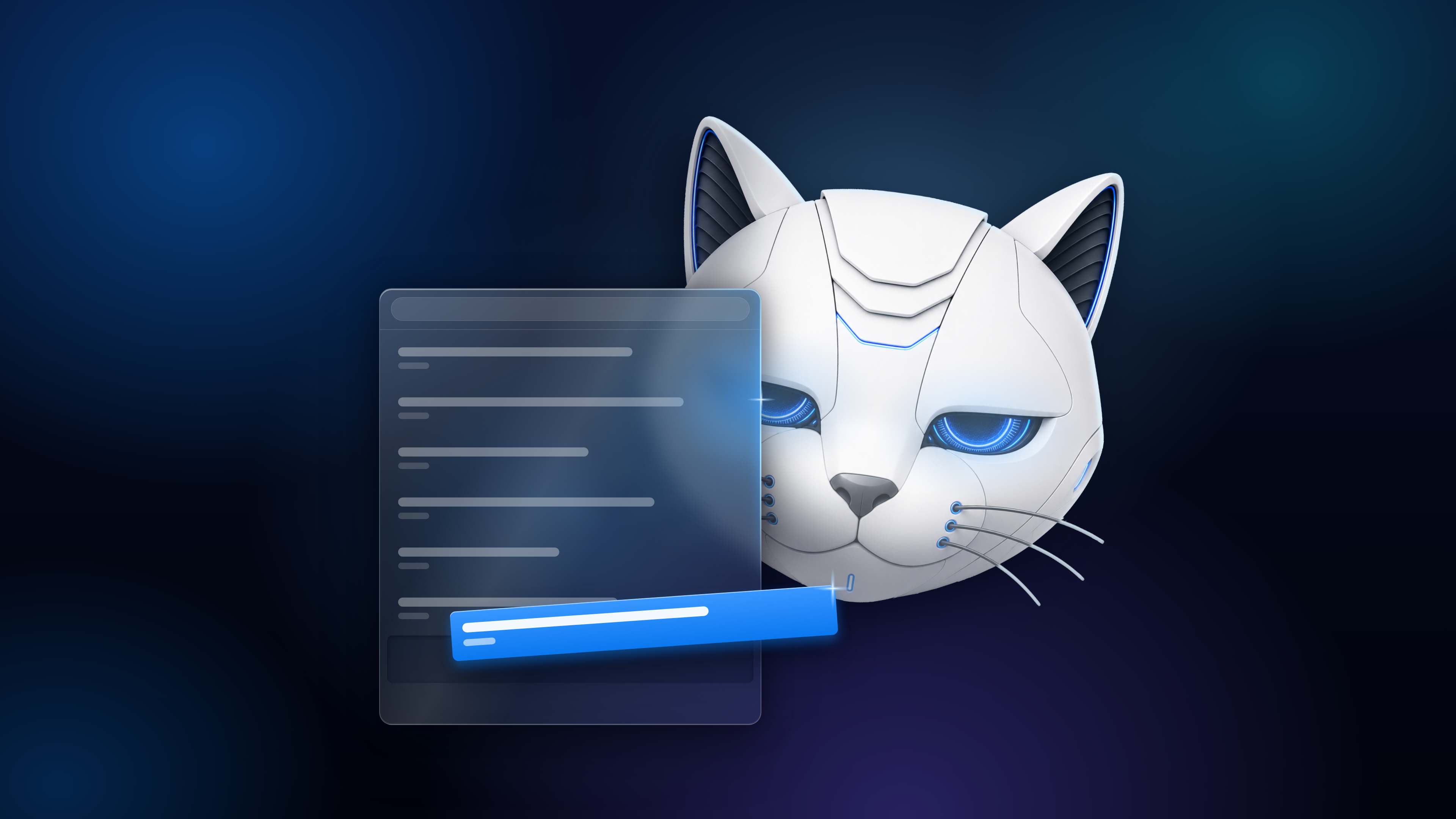
Text-free Copycat key art in 16:9: the white robot-cat mascot behind a frosted clipboard panel whose highlighted blue row slides out toward the viewer, on a dark blue gradient.

Key art, 16:9

PNG · 3840 × 2160

Download

App icon

The Copycat robot-cat mascot on its own, with no tile behind it: a white cat face with blue-lit ears, eyes and whiskers.

Mascot, transparent layer

PNG, transparent · 2048 × 2048

Download

Screenshots

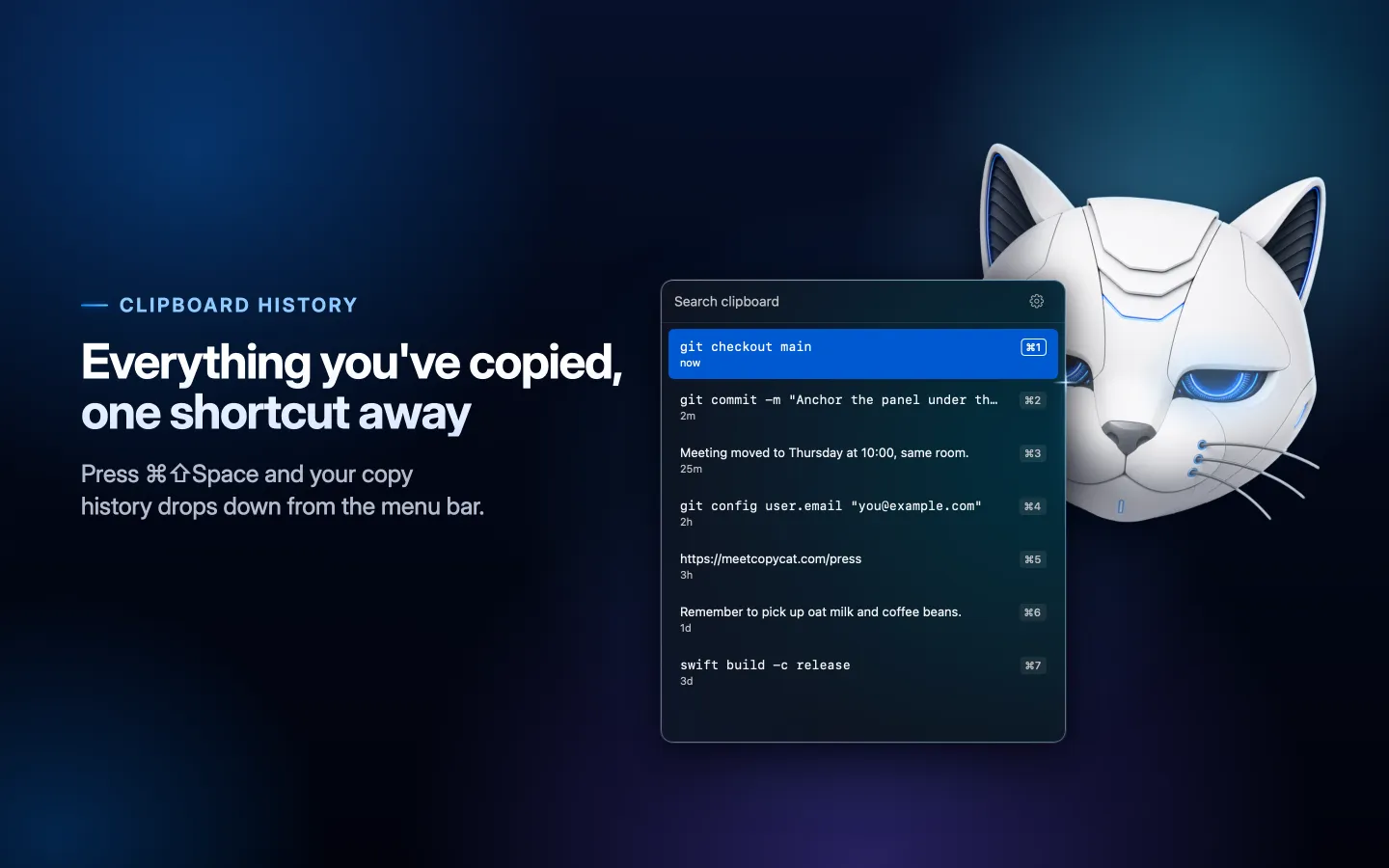
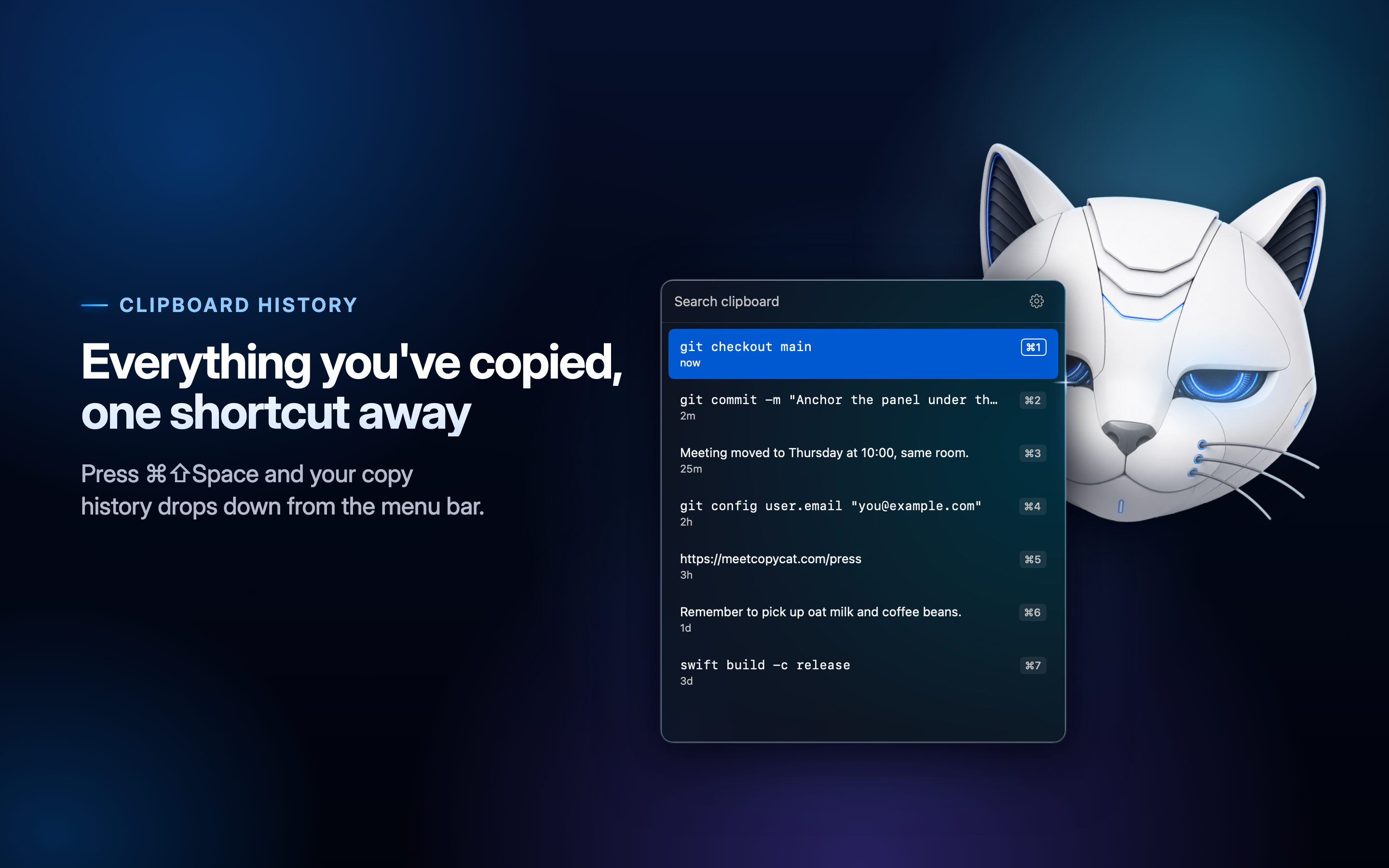
Copycat's clipboard panel listing recent clips, each with a ⌘1 to ⌘7 shortcut, beside the headline “Everything you've copied, one shortcut away.”

Everything you've copied

PNG · 2880 × 1800

Download
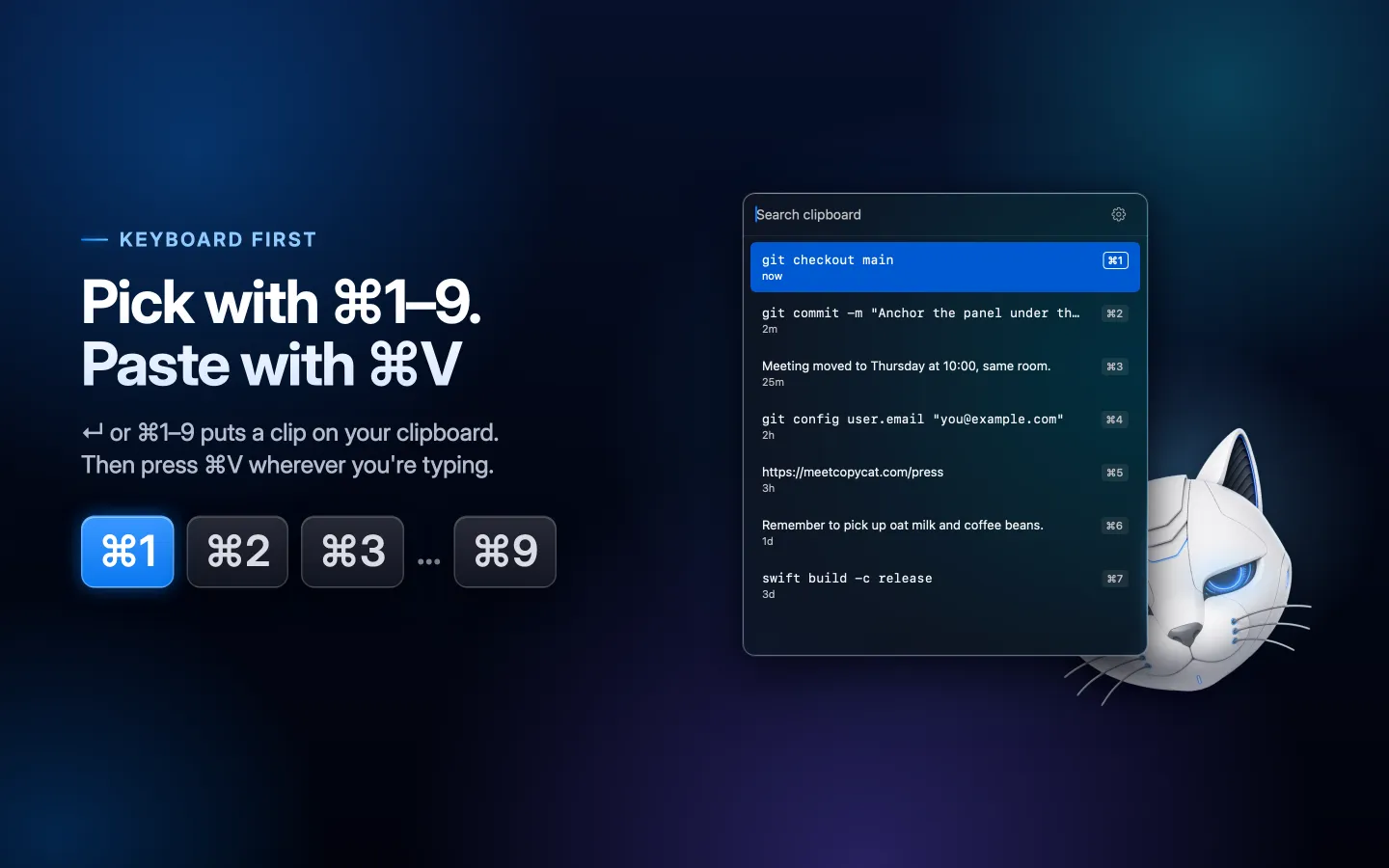
Copycat's clipboard panel beside the headline “Pick with ⌘1–9. Paste with ⌘V” and a row of ⌘1, ⌘2, ⌘3 and ⌘9 key caps.

Keyboard first

PNG · 2880 × 1800

Download
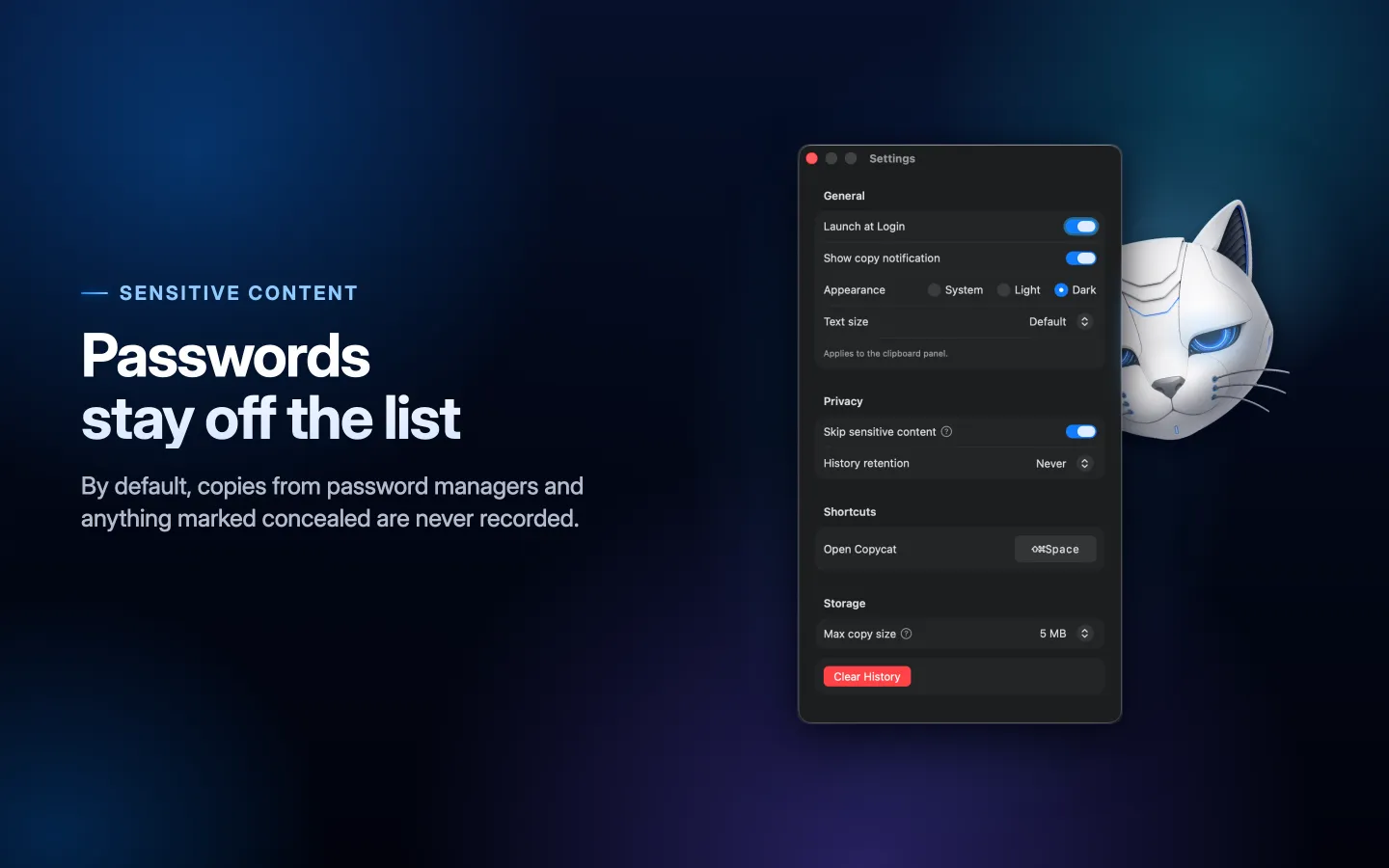
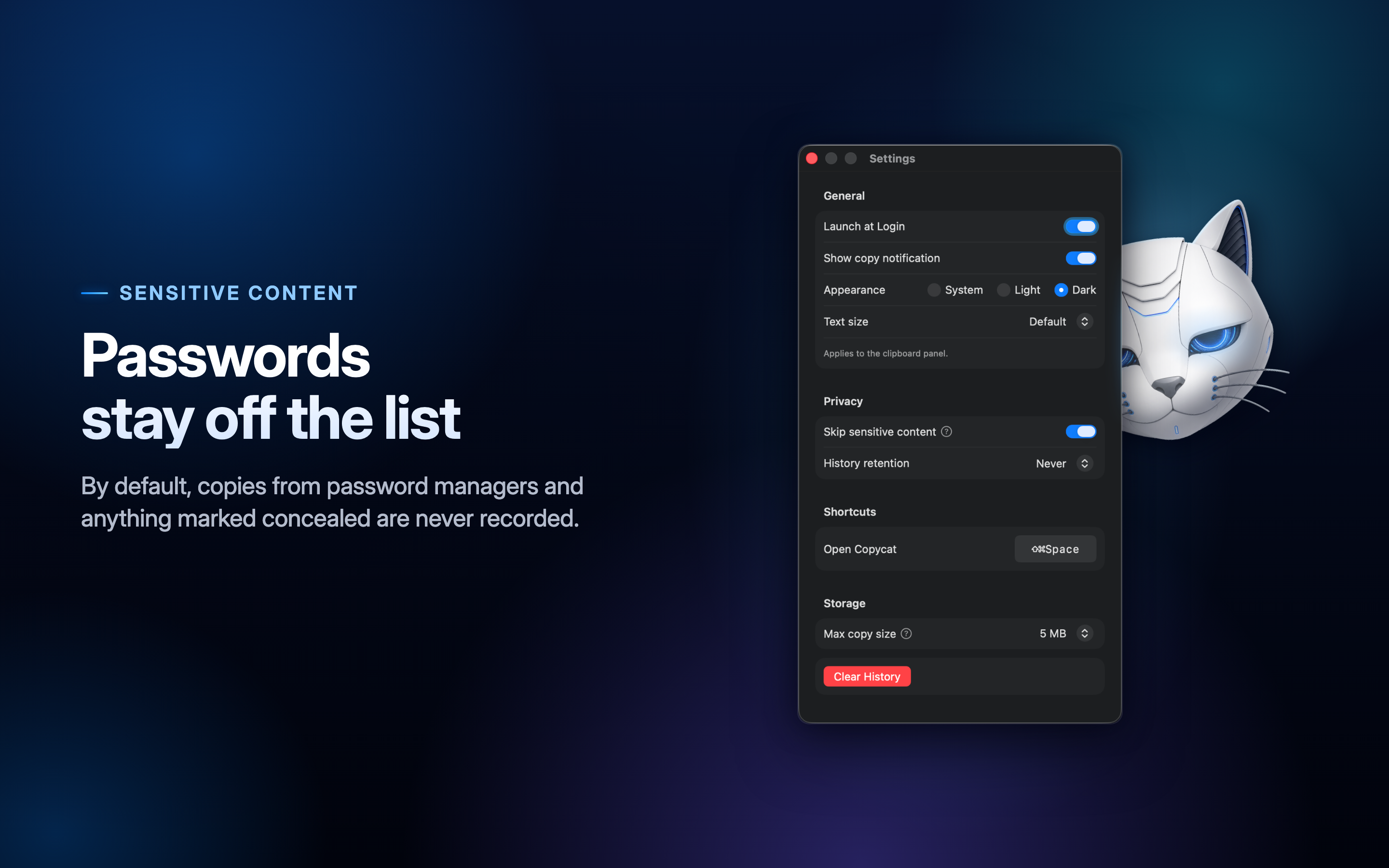
Copycat's Settings window with Skip sensitive content switched on, beside the headline “Passwords stay off the list.”

Passwords stay off the list

PNG · 2880 × 1800

Download
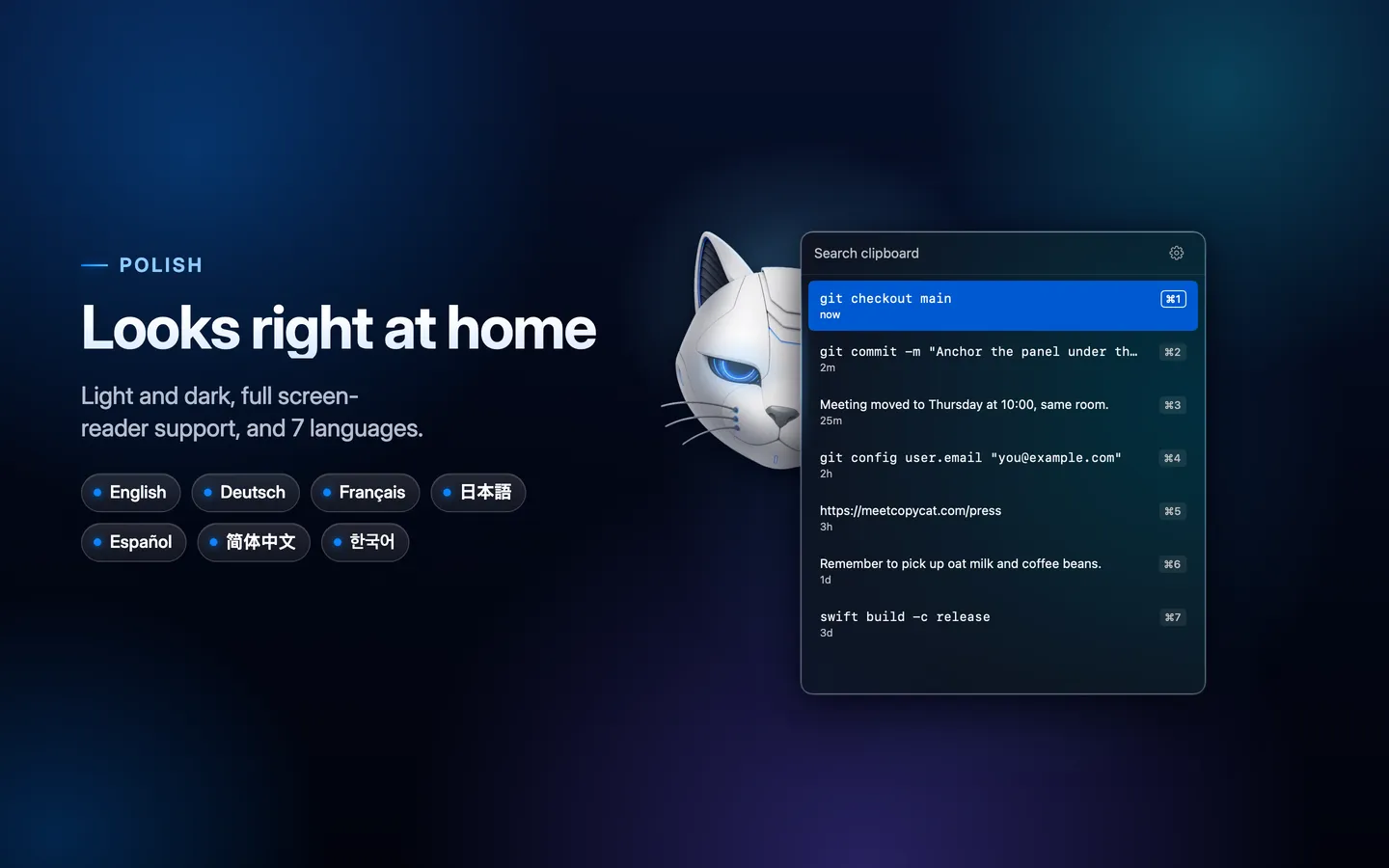
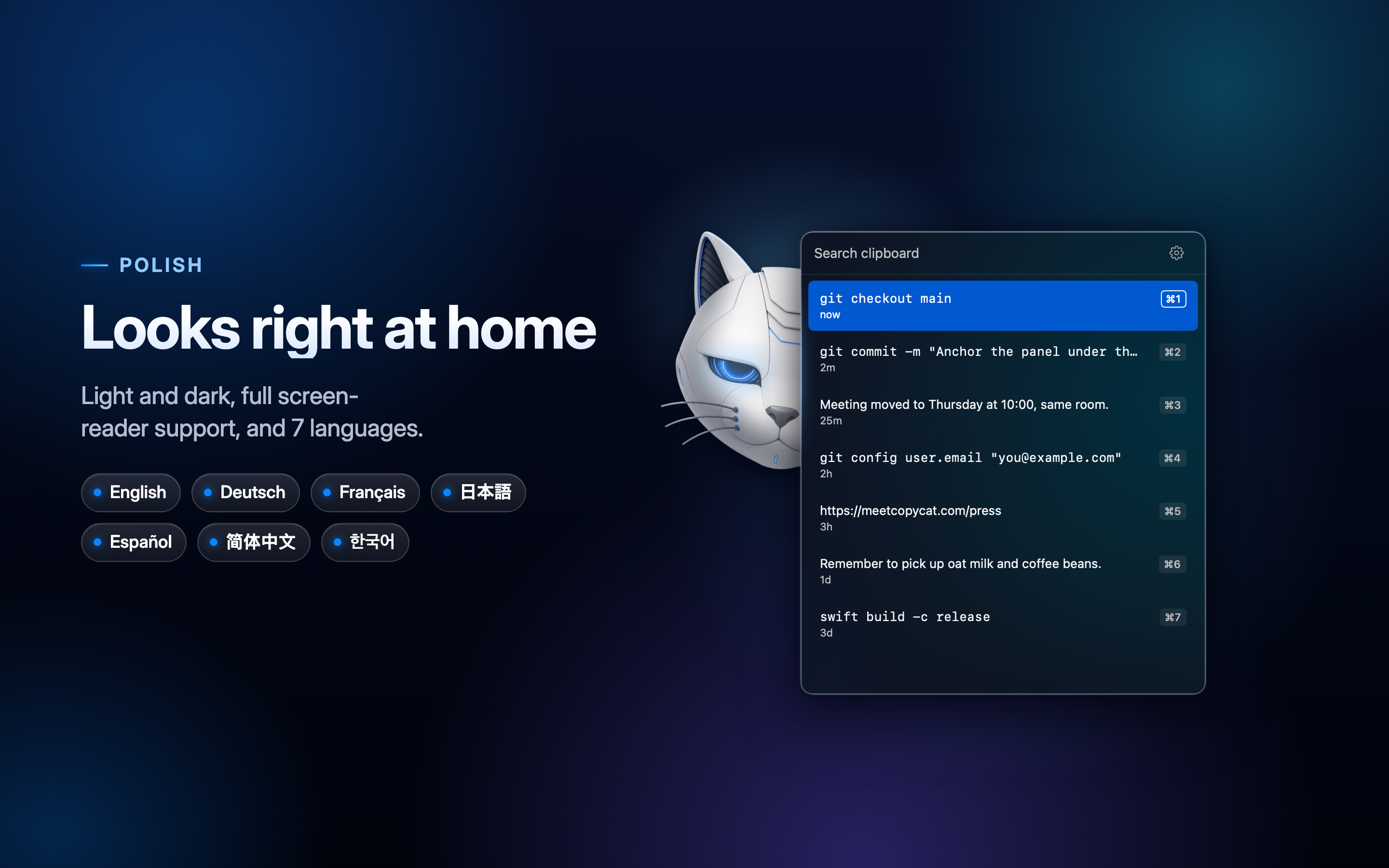
Copycat's clipboard panel beside the headline “Looks right at home” and badges for its seven languages, from English to 한국어.

Looks right at home

PNG · 2880 × 1800

Download

App Preview

App Preview video

MP4 · 1920 × 1080

Download

About the developer

Kyle Turner is the Indie developer behind Copycat, published by Solco, LLC. About a decade ago he built the original Copycat in Objective-C for himself, used it every day since, and shared it with family and friends. Years later, nothing on the App Store matched its simplicity, speed and local-only approach, so he rewrote it from scratch in Swift.

Read the story behind Copycat →

Press contact

Kyle Turner, Solco, LLC

support@meetcopycat.com